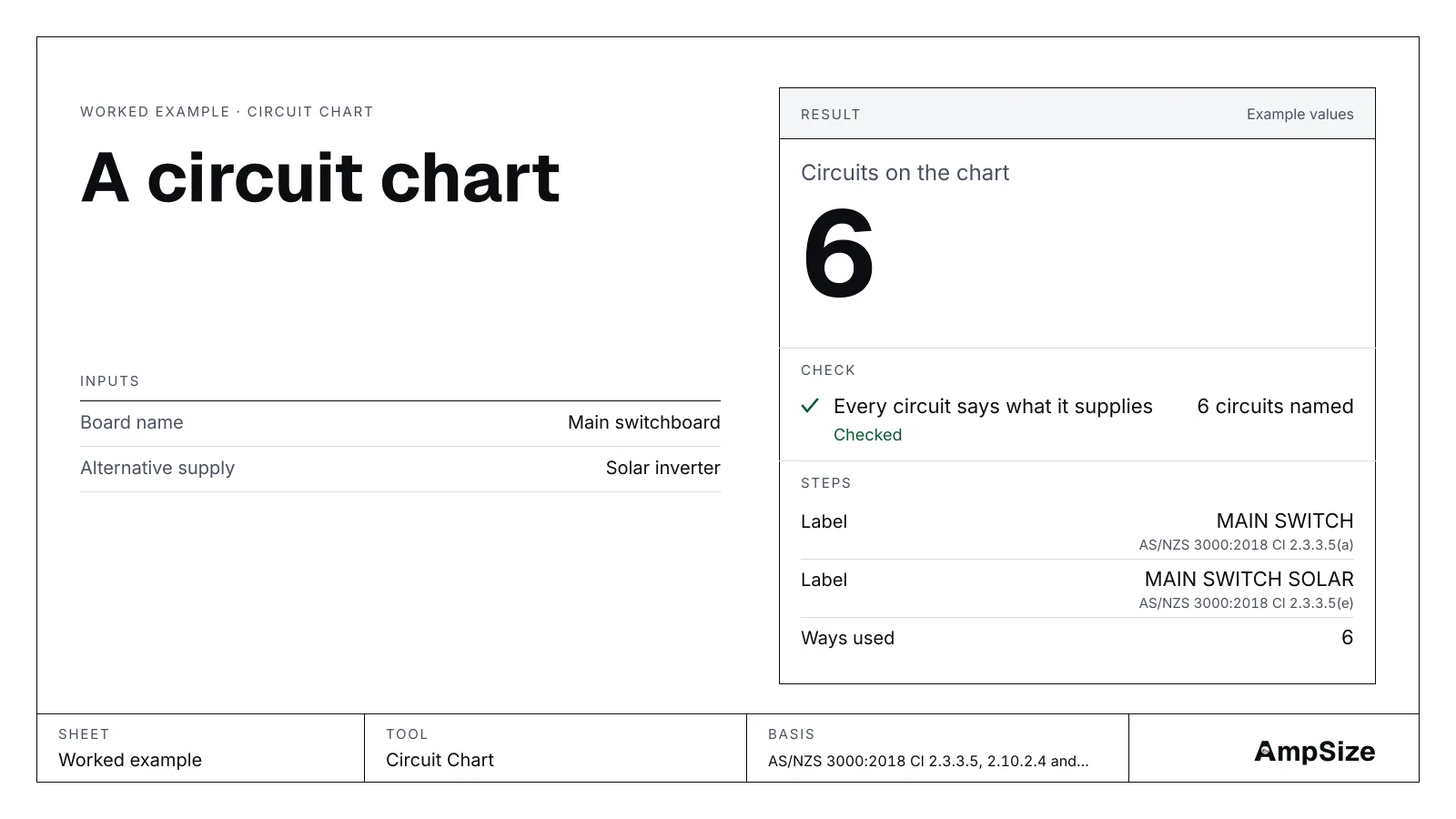
A switchboard has to tell the next person which device feeds what. This guide makes the chart and the labels for a house board with a solar inverter, using the circuit chart tool. The rules are in Switchboard labels and circuit charts.
The board
The same six circuits as the test schedule's house board: lights, two socket circuits, the laundry and bathroom, the oven and the hot water, with a solar inverter on its own main switch. Open the board.
Step 1. The chart
The tool numbers the ways in order and gives each circuit a line:
| Way | Supplies | Device | RCD | Active |
|---|---|---|---|---|
| 1 | Lights | C10 | 30 mA | 1.5 mm² |
| 2 | Lounge and bedroom sockets | C20 | 30 mA | 2.5 mm² |
| 3 | Kitchen sockets | C20 | 30 mA | 2.5 mm² |
| 4 | Laundry and bathroom | C20 | 30 mA | 2.5 mm² |
| 5 | Oven | C32 | None | 6 mm² |
| 6 | Hot water | C20 | None | 2.5 mm² |
That is what Cl 2.10.5.2 asks: each device tied to the part of the installation it supplies, on or beside the board. A circuit with no name fails, because the chart cannot say what it feeds.
Step 2. The labels
- MAIN SWITCH on the main switch, and it must stand out from the other switchgear (Cl 2.3.3.5(a)).
- MAIN SWITCH SOLAR on the inverter's main switch: an alternative supply's main switch names its energy source (Cl 2.3.3.5(e)).
- A notice at the board where opening a main switch brings in or isolates the solar, showing where its main switch is (Cl 2.3.3.5(c)).
- No MAIN SWITCHBOARD label. A single domestic installation is exempt (Cl 2.10.2.4 Exception 1).
The clauses set no letter height or colour. They ask for English, legible and indelible marking.
A shop with the same board
Open the shop. Outside a single domestic installation the board also takes MAIN SWITCHBOARD, the door of its room is marked, and a notice at each entry shows where it is.
A shared neutral
Two lighting circuits on one neutral: give both the same shared neutral number and the tool names their ways, so the neutral can be marked with the actives it serves (Cl 2.10.5.5). Open the shared neutral.
Print the chart as a PDF for the board door. To check the circuits themselves, use the circuit check tool.